
Connect your first Rust server
Keep your existing world. Choose the kind of access you have to the host that runs it.
Choose your setup
Open beta is coming in early 2027
Setup on a host you control
Follow these steps for your Windows or Linux host when sign-up opens.
- RustSC web portal
- Your host
- Your server
- Backups
- Your staff
Sign in to RustSC
Sign in with Discord. From the portal, you can add the host that runs your server and invite staff when you’re ready.

- RustSC web portal
- Your host
- Your server
- Backups
- Your staff
Connect your host
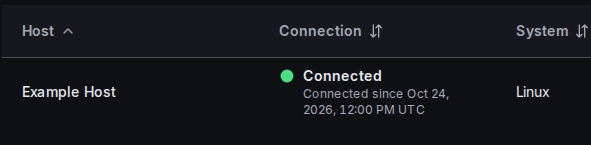
In the setup guide on Home, copy the install command for your system. Paste it into PowerShell on Windows or a terminal on Linux to install and connect.
- RustSC web portal
- Your host
- Your server
- Backups
- Your staff
Add your server
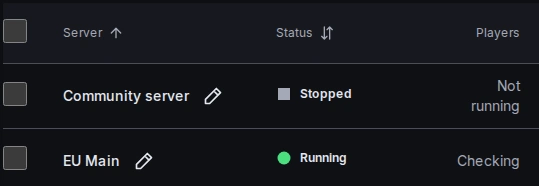
Choose Add existing server for your current world, or Install new for a fresh one. Your existing server keeps running until you switch it over.
- RustSC web portal
- Your host
- Your server
- Backups
- Your staff
Protect the world
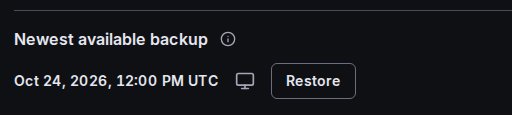
Choose where to keep local backups in Backup settings, then schedule them if you want regular copies. Your host can keep running saved schedules when its internet connection drops.
- RustSC web portal
- Your host
- Your server
- Backups
- Your staff
Invite staff if you need them
Open Settings, then Members, and choose Invite someone. Give each person access to the servers they help run.
Prepare for your first session
Follow the first-server guide to connect your host, add your world and check that it appears in the portal.