
Try to answer the questions with the image closed
The Harbour team makes a beautiful wipe poster with a date in the corner and a map preview across the middle. A player catches the announcement on a phone while out of the house. The image stays blank. The message only says “this weekend,” so the player brings the same three questions to chat that the poster was meant to answer. Which world, what time, and which progress survives?
Put those answers in the announcement message itself before attaching the image. A player can then read them in the phone app, search for them later and copy the join instructions to a friend. A long notice can still be hard to scan. Give the first line to the world and the planned time, then use one line each for what resets, what stays and where to check reopening.
Write the notice before uploading the artwork
Suppose Harbour is preparing a map-only wipe. A useful message could read, “Harbour map wipe starts Saturday 21 November at 18:00 UTC. Buildings and placed items reset. Learned blueprints stay. Check the pinned Harbour join post after we confirm the world is open.” That describes the planned work and gives the player a place to check for a confirmed result.
Discord's timestamp syntax can display the same moment in each reader's local time. Add it if your posting tool supports it. Keep the calendar date and named time zone in the text you will reuse in game chat or another place that does not render Discord formatting. When someone in another region sees a local date that differs from yours, both versions should still identify the same moment.
Describe what the poster actually adds
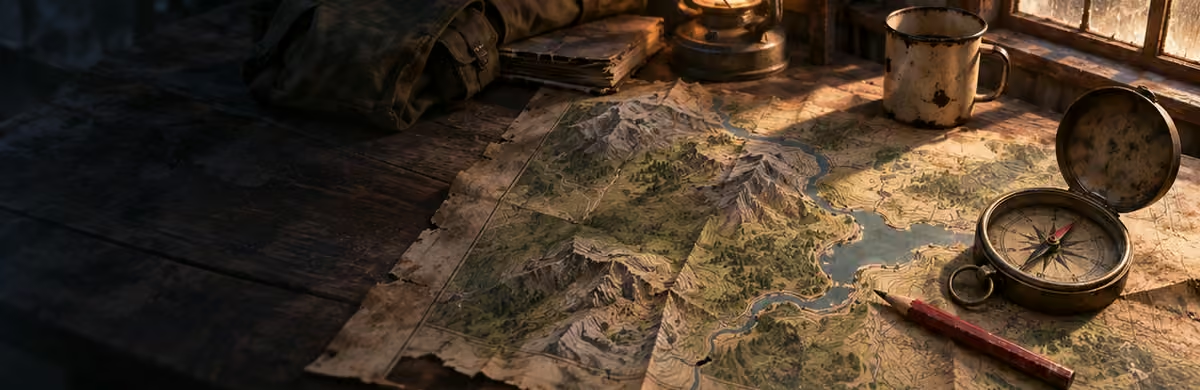
If the image shows terrain, use Discord's attachment description to say what matters about the view. For example, “A preview of the rocky coast and inland river on the new Harbour map.” If the image adds a detail players need, such as a marked meeting point, put the location in the message as well. That makes the same information available to someone who never opens the file.
W3C's guidance on images of text recommends supplying essential wording as real text. Applying that idea here also makes edits practical. If the wipe moves back, players can read the corrected time directly. If the poster still shows the old time, replace it or remove it so a forwarded image does not keep sending people to an obsolete date. Add a short update to the original announcement so people have one place to check.
Ask another member to check the published view
Have one ordinary member check the announcement on a narrow screen and one check only the message text. Ask both to identify the world, time, reset and way to check reopening. If someone reads the time but assumes their blueprints will reset, change the wording before the questions start. If they can read everything but the join post is unavailable to their role, fix where the notice directs them.
Keep the same short wording ready for the final message. For example, after a test join succeeds, tell players that Harbour is open and repeat what carried over. People who saw only one of the two posts should still be able to tell whether they can join.
Check the simple version once more when the next wipe is announced. A copied template can bring an old world name or obsolete join link with it. Change those in the original post before asking other staff to forward the update.